

The modern standard for school phone policies

Protect learning time without taking phones away.

Classity is an automated platform that helps schools manage student phone use. No more pouches, lockers, or teachers in the middle.

Request a Demo
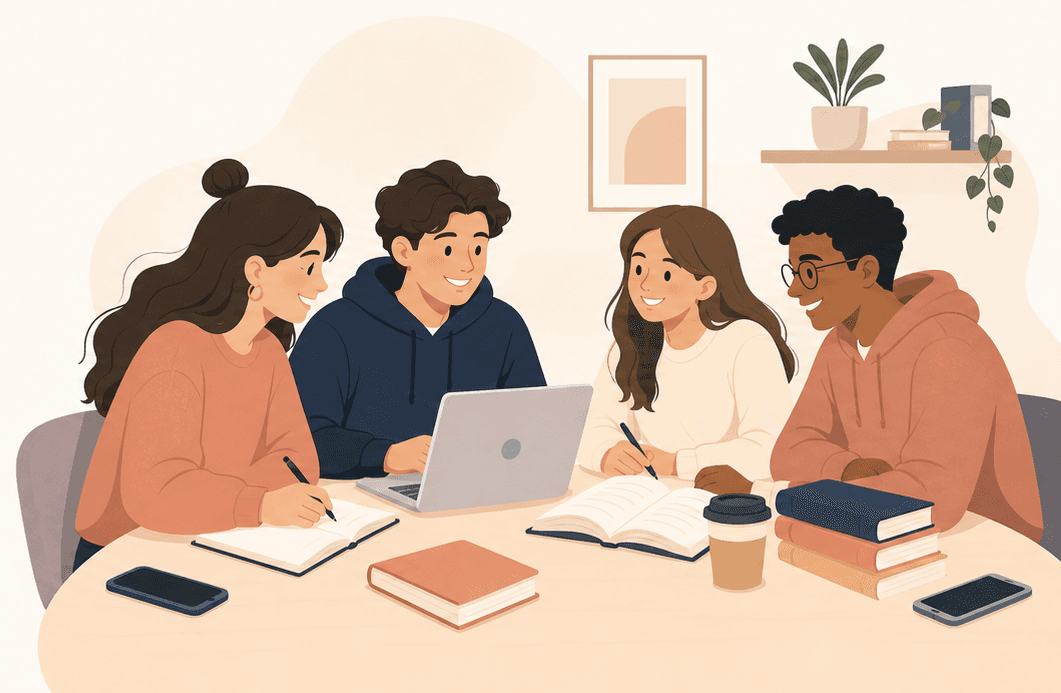
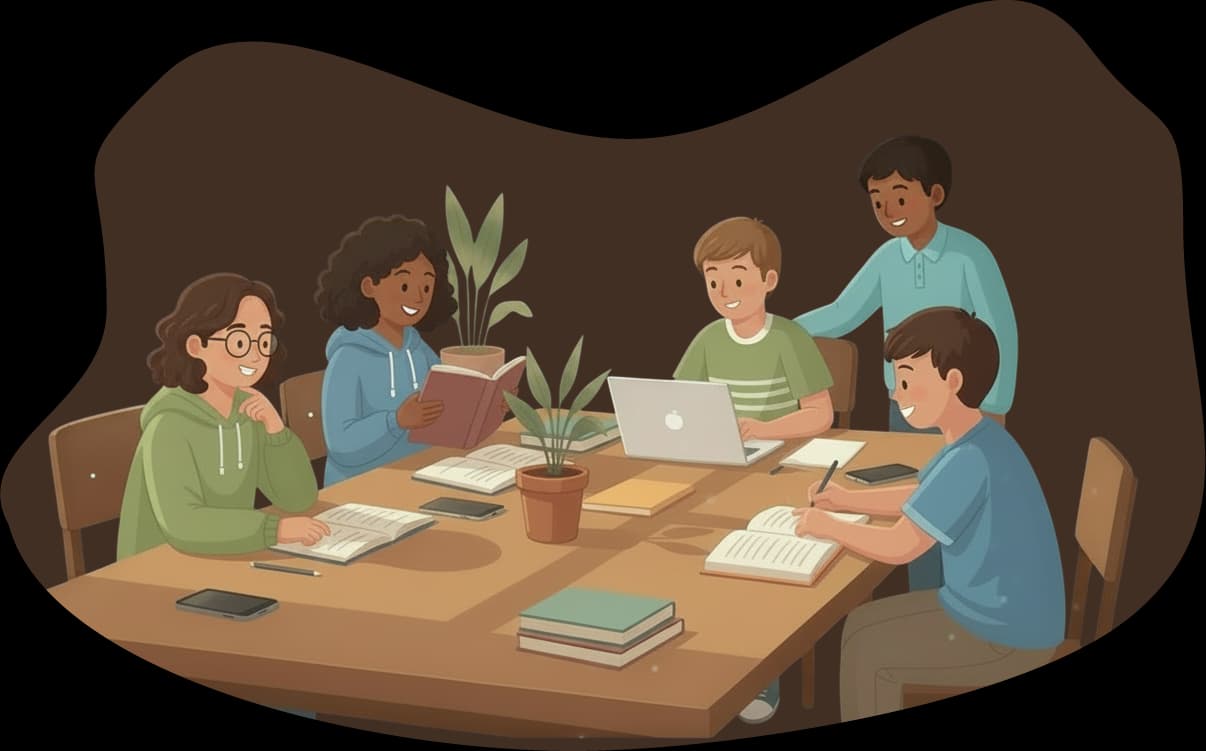
Study group illustration
Locker illustration

No more lockers or overcomplicated systems

Outdated systems slow everything down

Pouches, lockers, and boxes are a logistical headache. Complicated software built for IT teams is no better.

One system that replaces it all

Classity replaces both. It locks student phones during school hours and unlocks them when the day ends, all while maintaining SMS and phone call access.

A school day that runs smoothly

No morning queues. No misplaced devices. No enforcement conversations. The policy runs itself, parents stay informed, and teachers can focus on teaching.

How Classity works

A powerful dashboard for the school, a simple app for parents. Working together seamlessly.

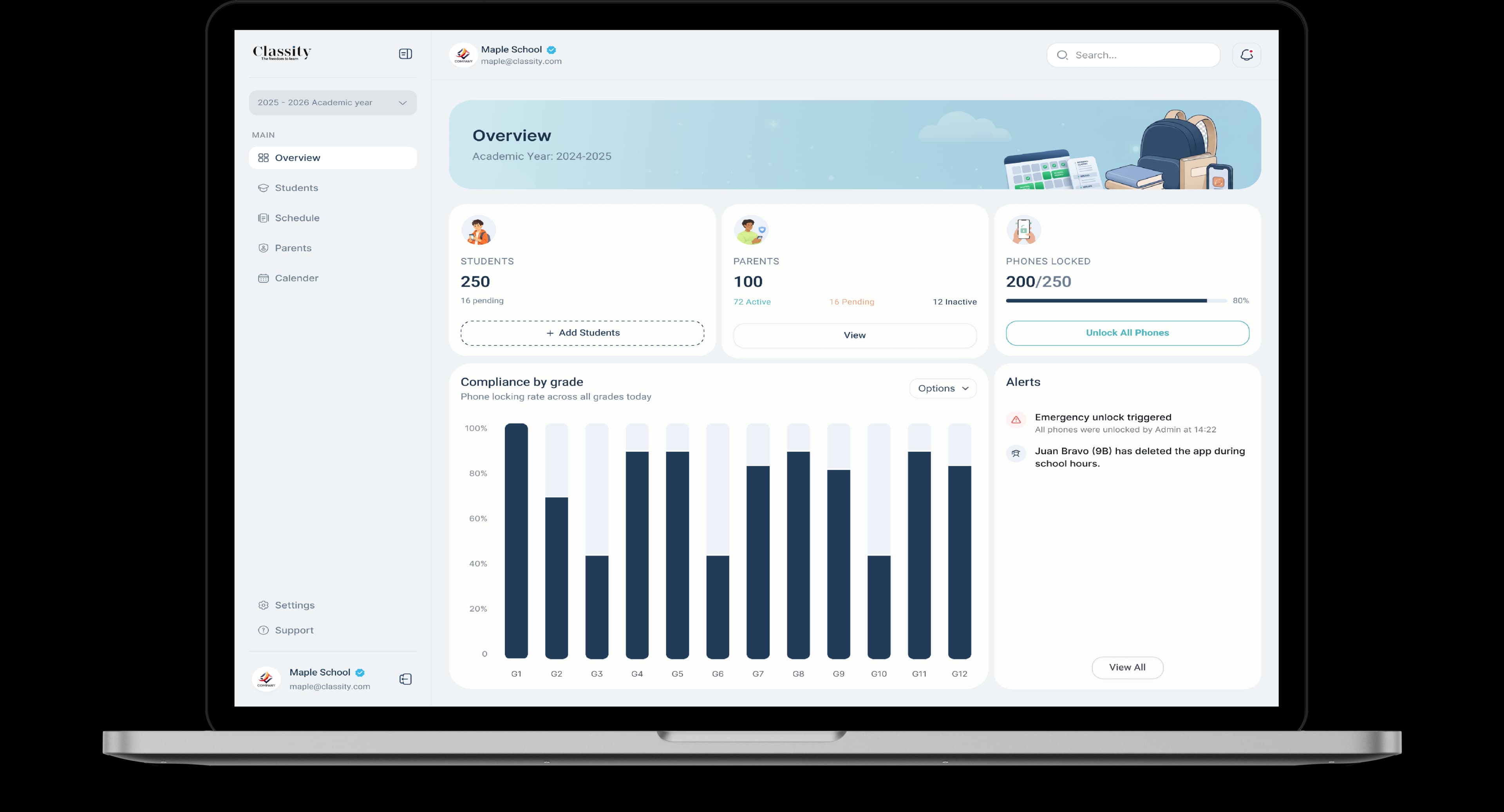
Classity dashboard

A web-app for school managers

  • Flexible schedule management

    Set schedules for the whole school, specific grades, or individual classes. Includes a calendar for holidays and special events.
  • Simple enrollment

    Individual or bulk student enrollment with step-by-step onboarding for school staff.
  • Exception handling and alerts

    Review parent-submitted exceptions and receive notifications if a student uninstalls the app.
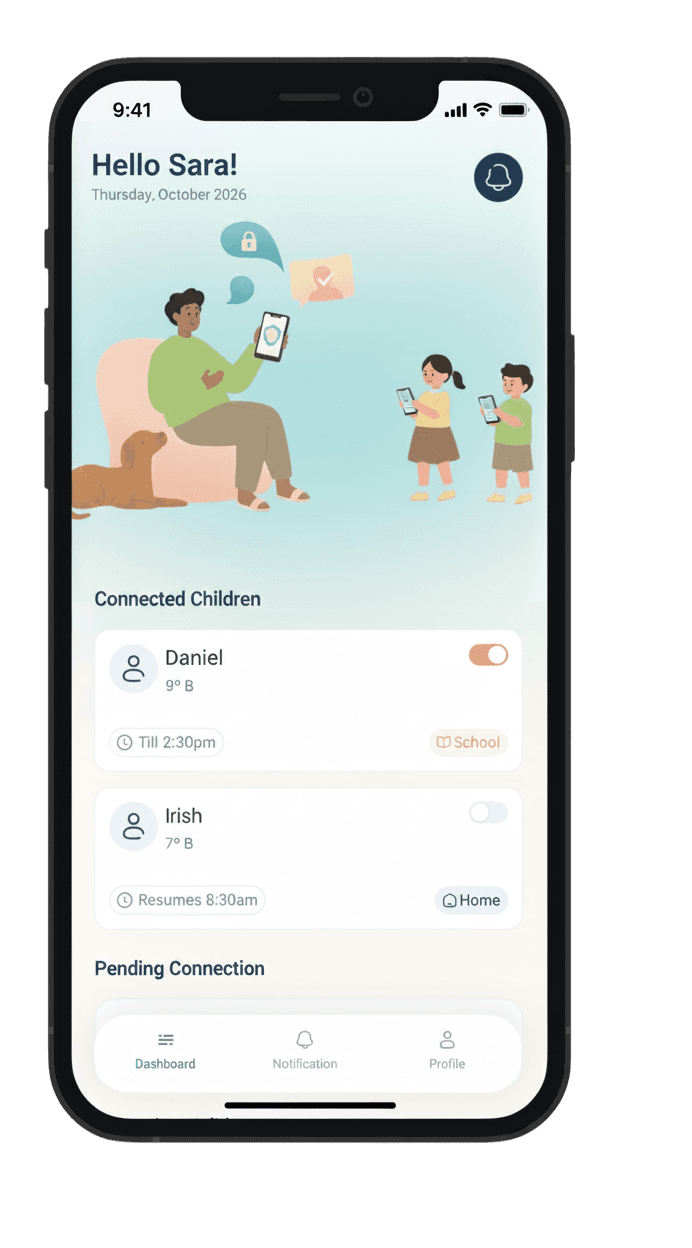
Parent app screenshot

A mobile app for parents

  • Full schedule visibility and exception setting

    Parents can see exactly when devices lock and unlock, aligning them with school policy. Request exceptions for sick days or early pickups.
  • Emergency access always on

    While distracting apps are locked, standard phone calls and SMS are always available for safety.
  • Privacy

    Classity never reads messages, tracks browsing, or accesses personal content. It only manages app access windows.

Smarter than physical storage. Built for modern schools.

See how Classity compares to traditional storage approaches.

FeaturesLockers and PouchesClassity logo
Prevents hidden phones from being used during class
No morning collection routine
No daily teacher involvement
Emergency calls and SMS always available
Parent visibility and communication
Exception handling without calling the school
No hardware or physical infrastructure

Practical benefits for everyone

A policy that works for the administration, respects parents, and supports students.

For school managers

  • Reclaimed staff time each day
  • Savings on storage infrastructure and ongoing maintenance
  • No IT staff or complex technical setup required
  • No entry or exit bottlenecks
  • Consistent phone policy enforcement across all classes
  • Built-in parent alignment and collaboration
For students

  • More focused learning time
  • More face-to-face interaction with classmates
  • No confiscation of personal devices
  • Clear and transparent phone use rules
  • Direct communication with parents through calls and SMS

For parents

  • Full visibility into the school schedule
  • No lost or misplaced phones
  • Direct access to their child in case of emergency (calls and SMS)
  • Flexible exception settings for sick days and early pickups
  • No conflict at home about school device rules

Getting started with Classity

A simple, guided onboarding process for your entire school.

Parent and student reviewing Classity setup on a phone
  1. 01

    Book a personalized demo

    Walk through Classity with our team, explore real scenarios, and receive a tailored rollout plan for your school.

  2. 02

    Set up your school account

    We configure your school profile, structure, and calendar together. No hardware, no IT staff required.

  3. 03

    Create your phone schedule

    Define lock and unlock times, holidays, and exception rules aligned with your existing school policies.

  4. 04

    Invite parents and students

    Send secure invitations to families. Parents and students download the app and connect their phones in minutes.

  5. 05

    Let the policy run automatically

    Phones lock during school hours, unlock at dismissal, and teachers regain uninterrupted classroom time.

Frequently asked questions

Everything you need to know about the product and rollout.

How long does it take to set up Classity?

Most schools complete their initial setup the same day. The schedule is configured through the web dashboard, and families download the mobile app. There is no hardware to install and no IT department required.

What if a parent needs to reach their child urgently?

Standard calls and SMS remain available for safety while distracting apps are managed according to school policy.

What happens if a student deletes the app?

School administrators receive a notification and can follow up using the dashboard tools.

What data does Classity collect?

Classity manages app access windows and does not read private messages, browsing history, or personal content.

What happens during an emergency or school-wide situation?

Phone calls and SMS stay available. School teams can also adjust schedules and exceptions when needed.

Does Classity work on both iPhone and Android?

Yes. Classity supports both major mobile platforms for families.

Do schools need to change their existing phone policy?

No. Classity is designed to map onto your current policy and make it easier to run consistently.

What kind of support does Classity offer?

Our team supports setup, rollout, and ongoing operations so your staff can stay focused on students.

Find out in 30 minutes if Classity is right for your school.

We'll walk you through the platform live, answer your questions, and see how it fits your existing phone policy. If it's a good match, we'll help you get set up the same week.

Questions before booking? Write to us at

contact@classity.io
Phone Number

By submitting this form, you are agreeing to be contacted by Classity.

School building with students in front